We've been going nuts with changes to the site. Some of it you can see, and a lot of it is behind the scenes. Here's what changed and why.
A tidier About section
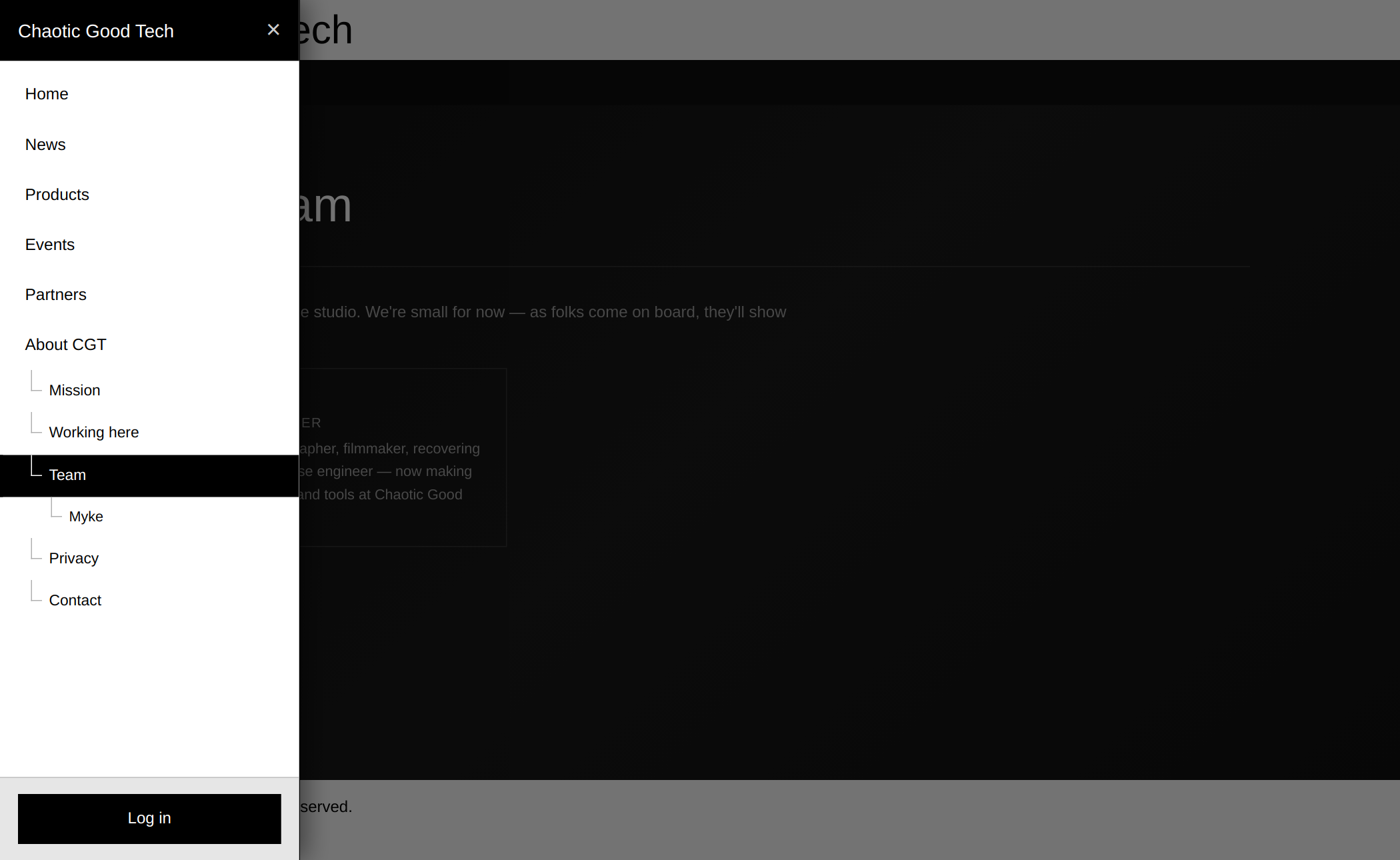
The About page had turned into one very long scroll. It's now split into focused pages, all grouped under About CGT in the menu (pictured at the top):
- Mission: what we stand for. A flat team where evidence wins arguments, fun comes before profit, and your data is never for sale.
- Working here: how we share in what we build, and how we invest in the next generation.
- Who we're looking for: the kind of people we'd love to work with, if this all sounds like you.
- Influences: the games, studios and people that shaped us. Coming soon.
- Team: a card for everyone behind the studio. Each person gets their own profile, listed under Team in the menu. Right now that's just Myke, but there's room for more.
- Privacy and Contact live here too, so everything about us is in one place.
Product reviews
We use a lot of hardware, software and media while we build, and we have opinions. Reviews are a new kind of post for sharing them.
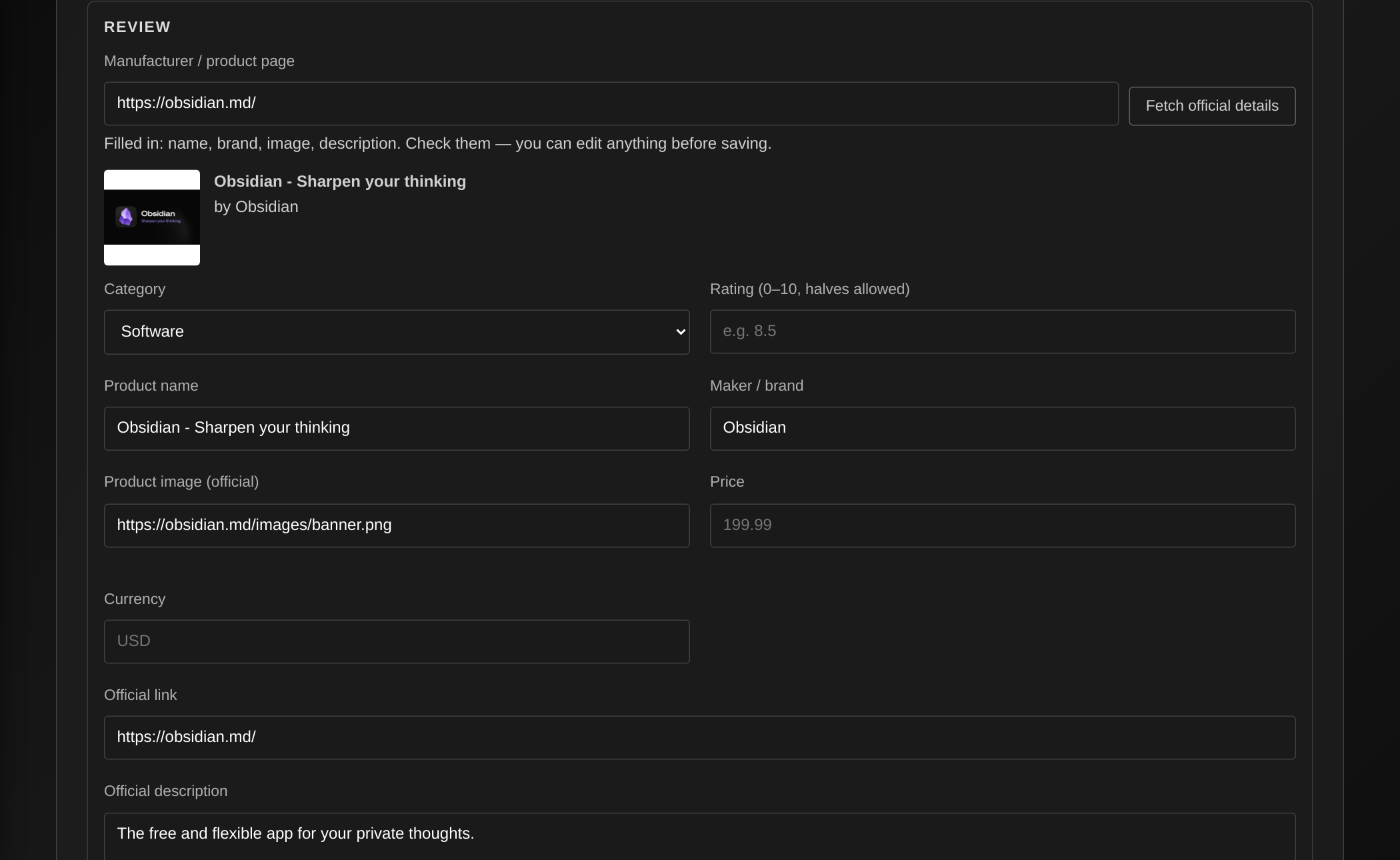
Every review starts from the manufacturer's own product page. We paste the link and the site pulls in the official name, maker, image and description, so the facts come straight from the source. Then we add our part: a rating out of 10, pros and cons, what it's like in actual use, whether it's worth the money, and a verdict.
Each review is tagged hardware, software or media. You'll find them all at /reviews, with a tab for each category, and a Reviews entry shows up in the menu once the first one is published. Reviews also carry structured data, so search engines can show the rating. The first one is in the works.
Behind the scenes
A small studio still has a lot of moving parts: posts, socials, messages, a game in development, and the site itself. We rebuilt the admin side around how we actually work.
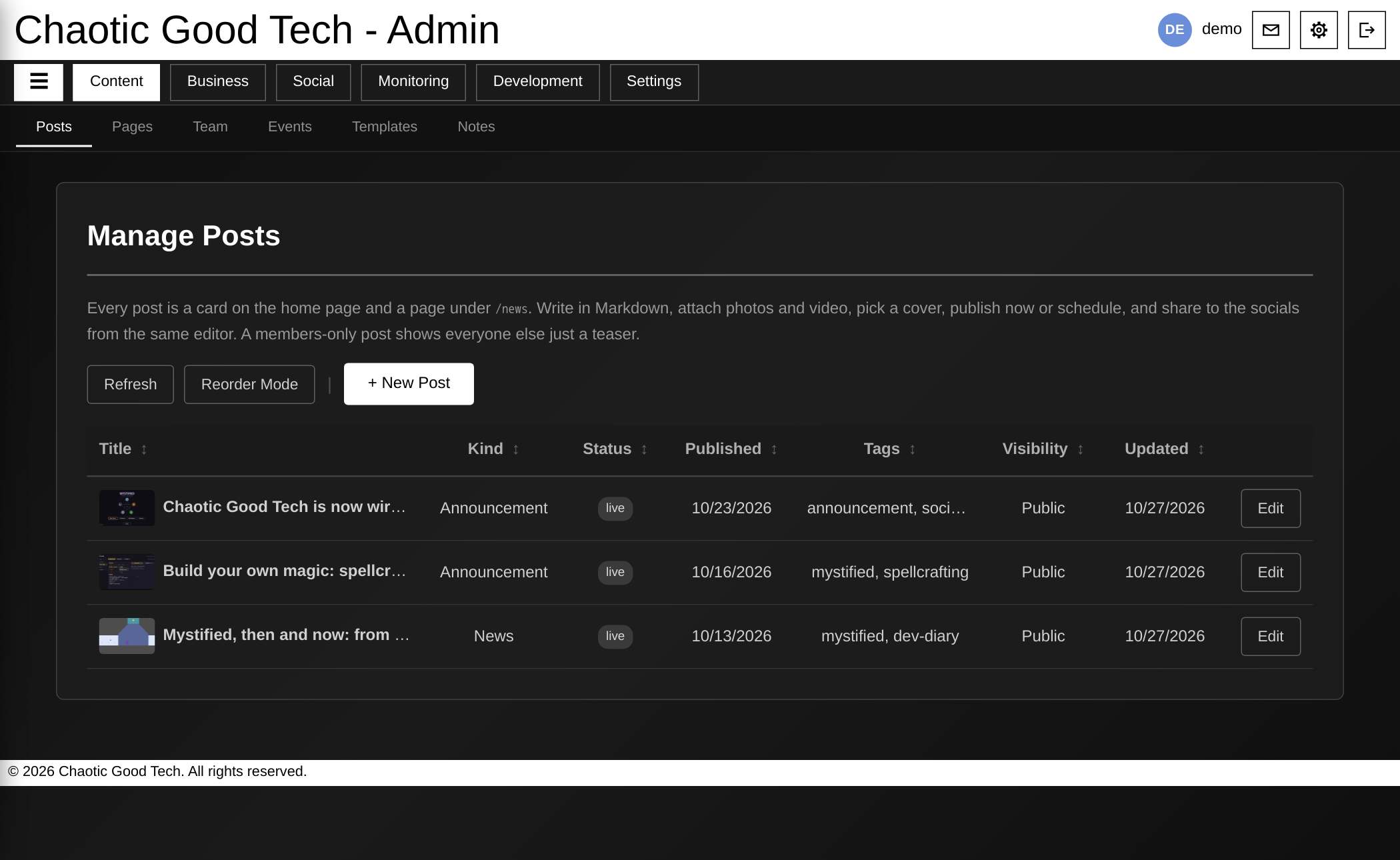
Everything has a place. The admin is now split into clear sections: Content (posts, pages, the team, events), Business, Social (the inbox for comments and messages from every platform), Monitoring, Development, and Settings.
People see what they need, and nothing more. Access is tiered by role. Someone who helps with community messages sees the inbox, not the business side. Anyone with staff access must use two-factor authentication to sign in.
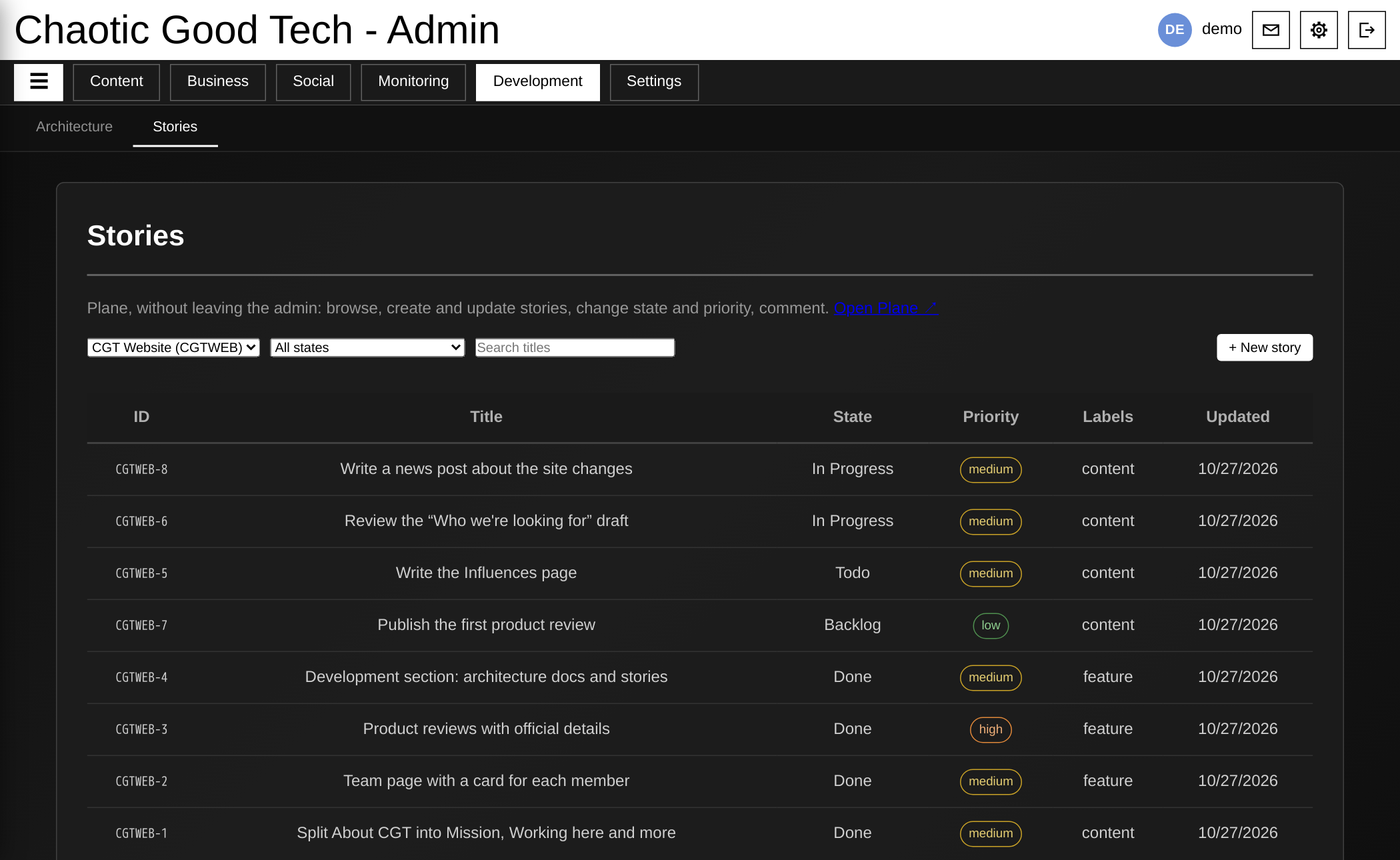
Planning lives next to the work. The new Development section connects to the project tracker we use for the site and for Mystified, so stories can be created, updated and discussed without switching tools. (Yes, this post was on it.)
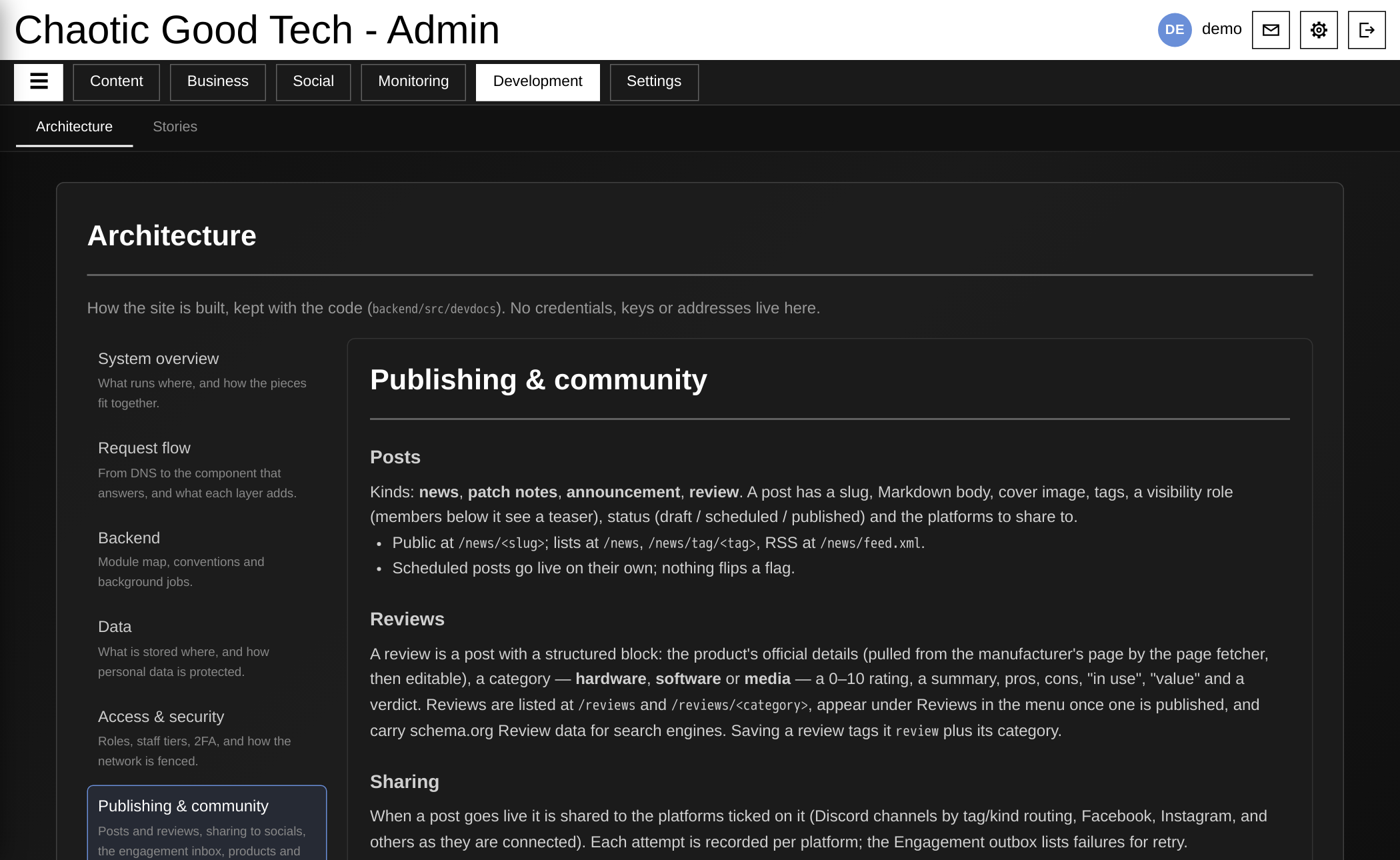
Documentation that keeps up. The same section holds our architecture docs, which explain how the site fits together for whoever joins the team next. They're kept with the code, so they change when the code does.
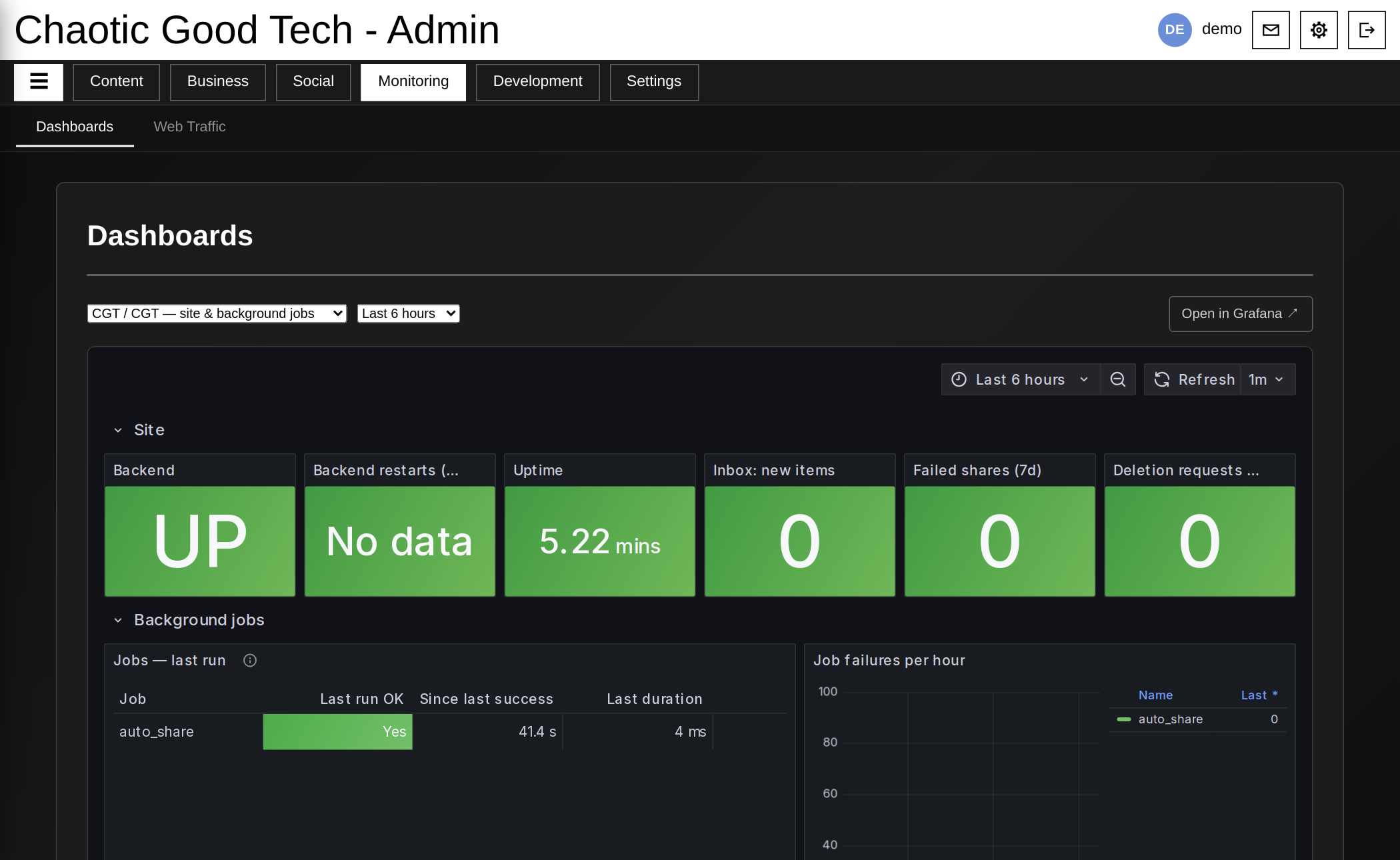
We notice problems before you do. The Monitoring section has live dashboards for the site's health and the background jobs that keep things running, like scheduled posts going out and messages coming in. If something breaks, it shows up there first.
(The admin screenshots come from a demo copy of the site, so there are no real messages, contacts or keys in them. It's the same software we run.)
What's next
- The Influences page.
- Product reviews.
- More Mystified news as the game keeps growing.
Have thoughts on any of it? Get in touch. We read everything.